
Gazebo Worlds
This topic provides imagery/information about the Gazebo worlds supported by PX4.
The default world is spawned by default, though this may be overridden by a model specific world. Developers can also manually specify the world to load: Gazebo > Specify World (or Gazebo Models Repository).
The source code for supported worlds can be found in the Gazebo Models Repository on GitHub here: PX4/PX4-gazebo-models/tree/main/worlds.
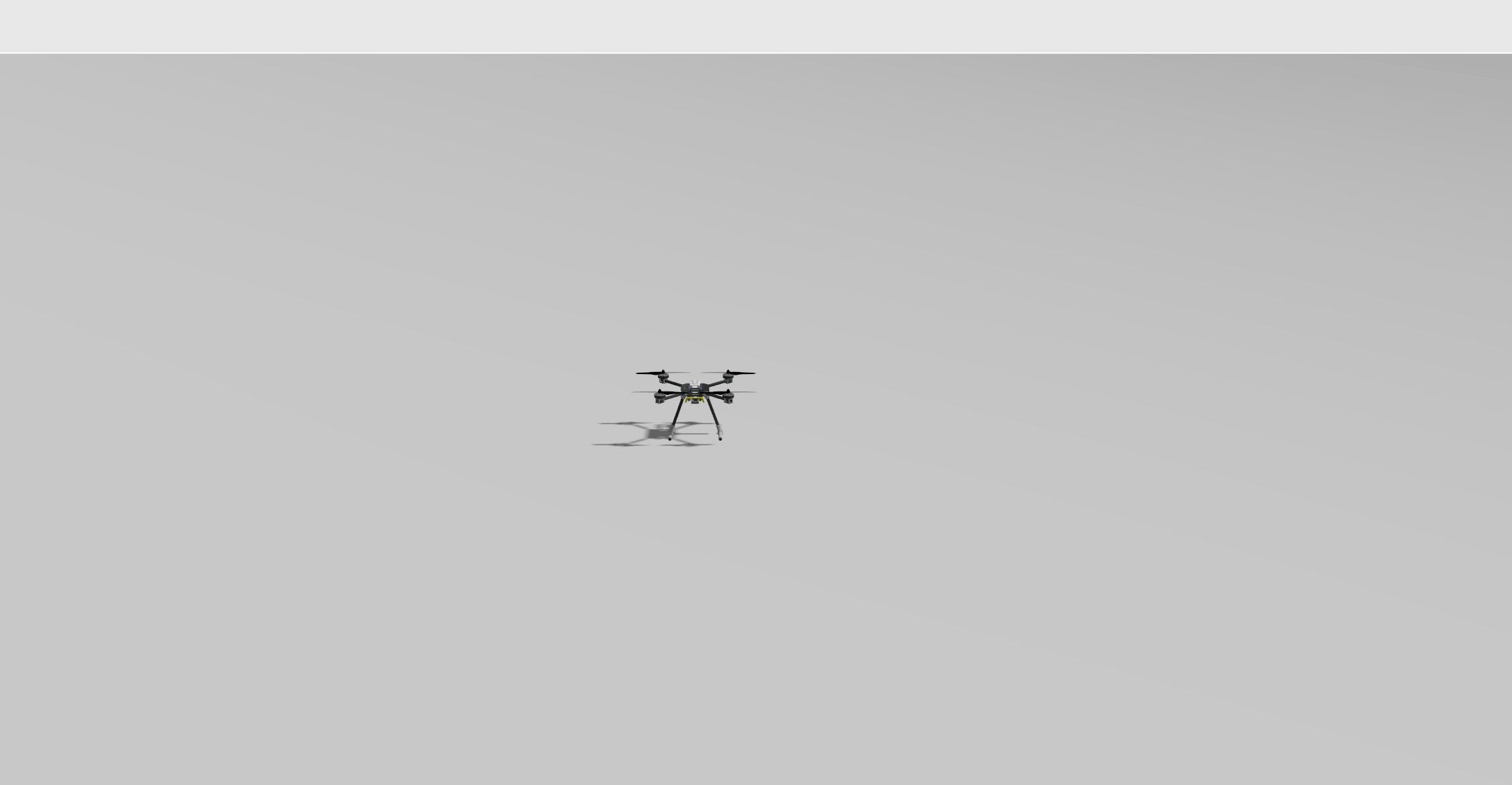
Empty (Default)
Empty world (a grey plane). This is used by default.
PX4-gazebo-models/main/worlds/default.sdf
Aruco
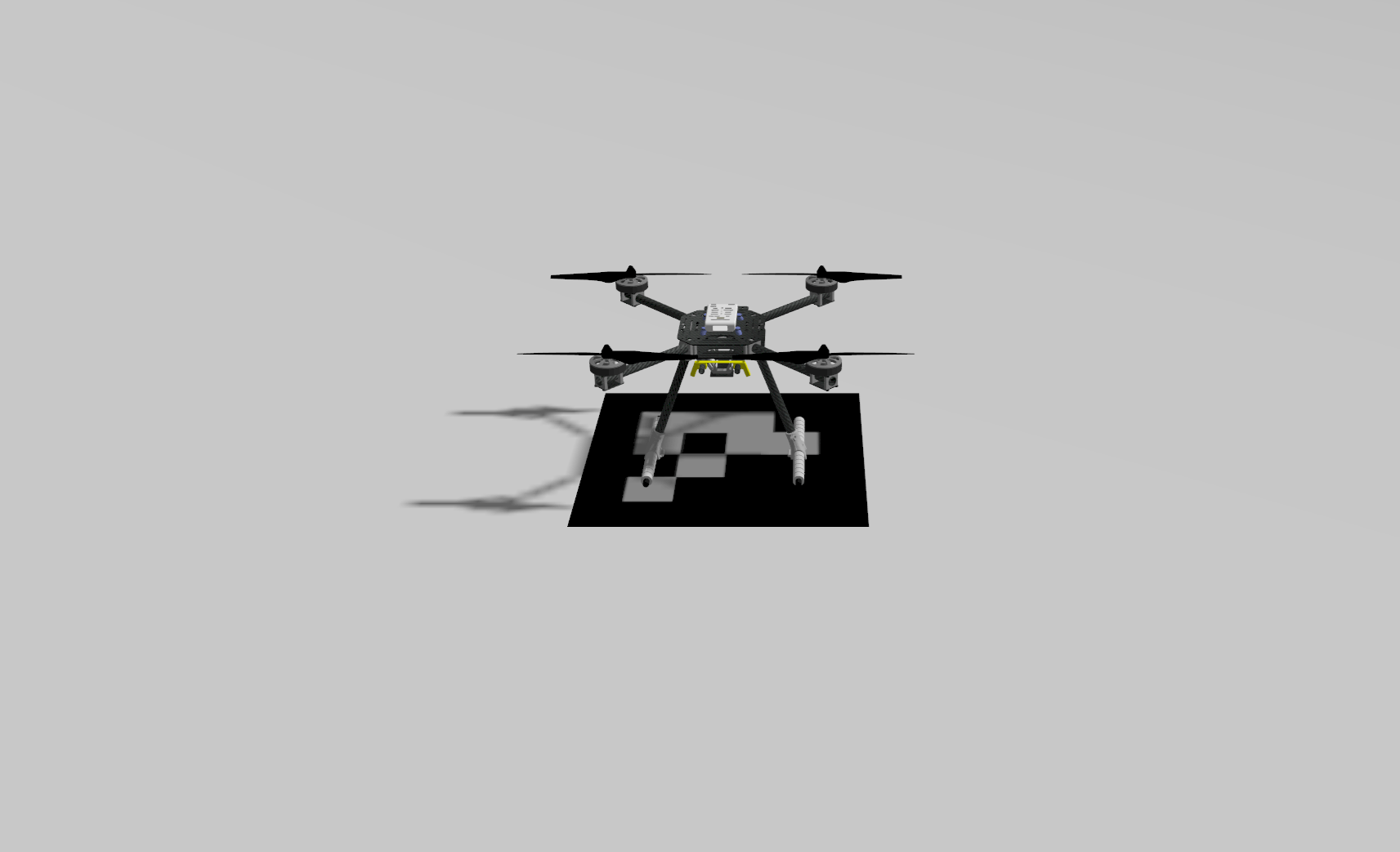
Aruco world is the default world with the addition of an ArUco marker.
This is used in conjunction with the x500_mono_cam_down airframe to test precision landing.
PX4-gazebo-models/main/worlds/aruco.sdf
Baylands
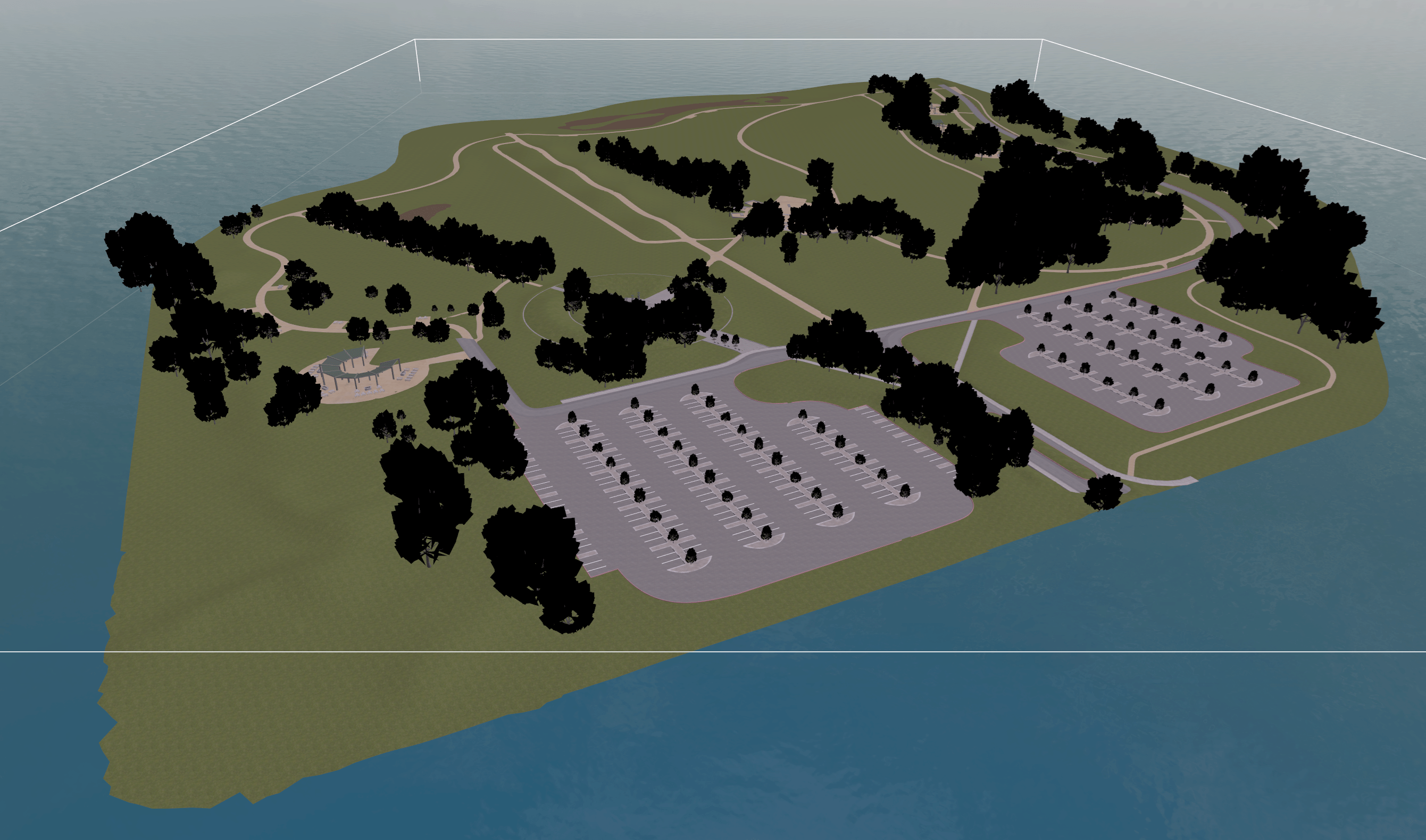
Baylands world surrounded by water.
PX4-gazebo-models/main/worlds/baylands.sdf
Lawn
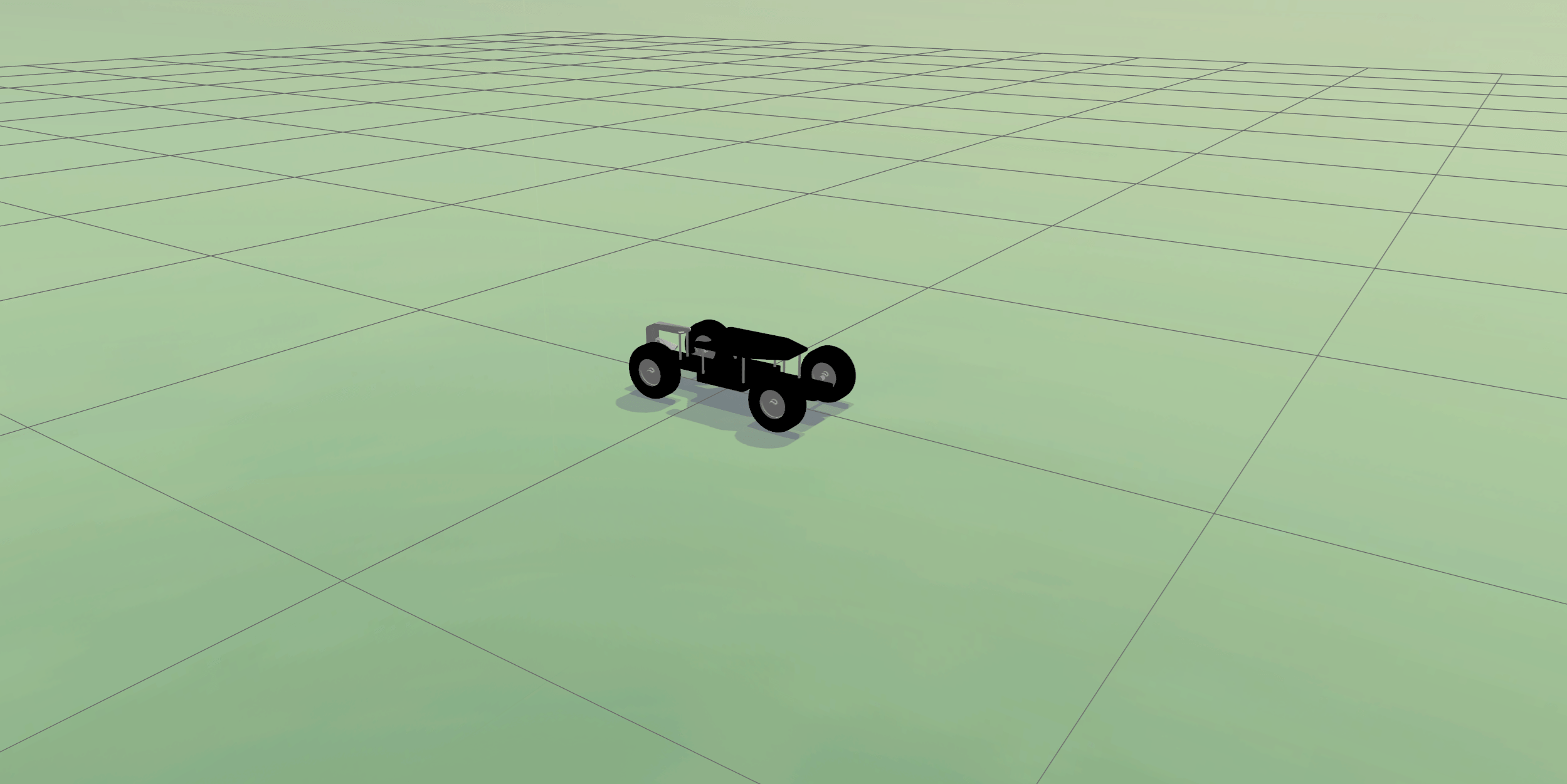
Lawn is a flat green world that is a less-optimized alternative to rover world. It is not recommended as the low frame rate causes segmentation faults on some frames.
PX4-gazebo-models/main/worlds/lawn.sdf
Ridge
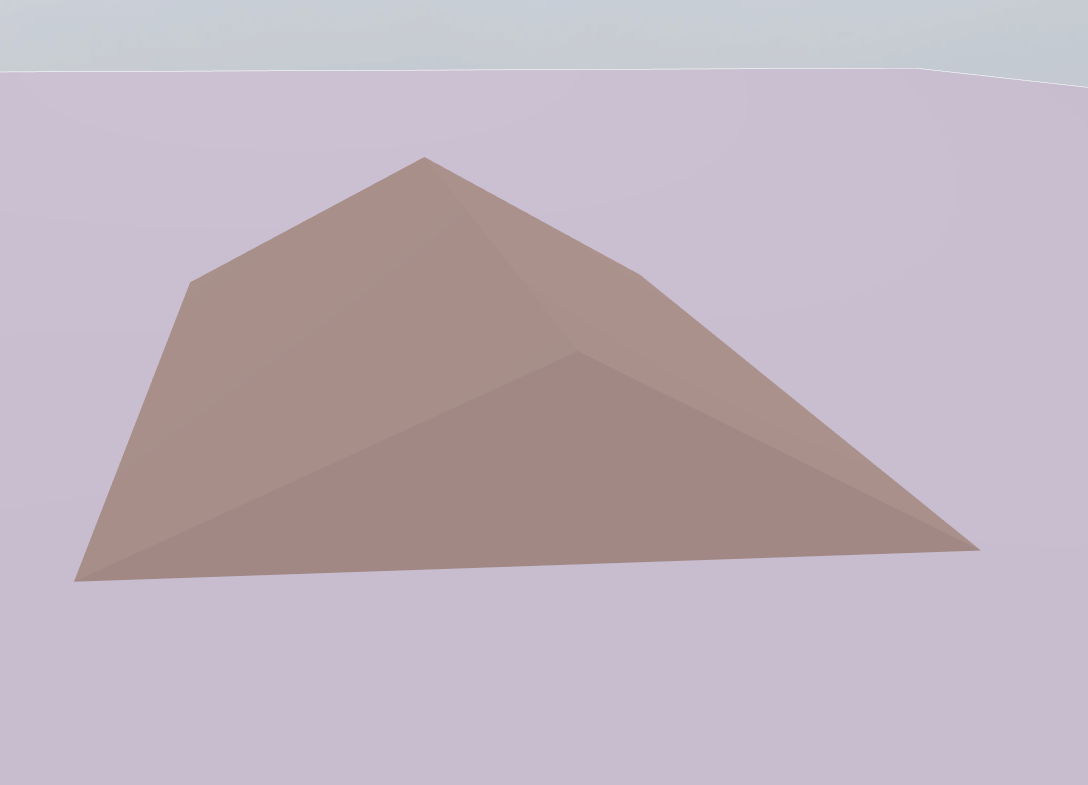
PX4 v1.18World with a simple sloped ridge for testing terrain following. It pairs naturally with the x500_lidar_down airframe:
PX4_GZ_WORLD=ridge make px4_sitl gz_x500_lidar_downLayout:
- 500x500 m flat ground at world
z = 0. - A 40 m wide, 10 m tall, 40 m long triangular-prism ridge ~20 m east of the spawn (apex at world
(40, 0, 10)). The ridge is continuously sloped (~27°) so the rangefinder reading varies smoothly as the vehicle crosses it, avoiding the spurious EKF terrain-estimate resets that a vertical wall would trigger. - Spherical coordinates are anchored at
(47.397971, 8.546164, 0)so home AMSL is 0 by default; raise the elevation to test against non-zero AMSL anchors.
PX4-gazebo-models/main/worlds/ridge.sdf
Rover
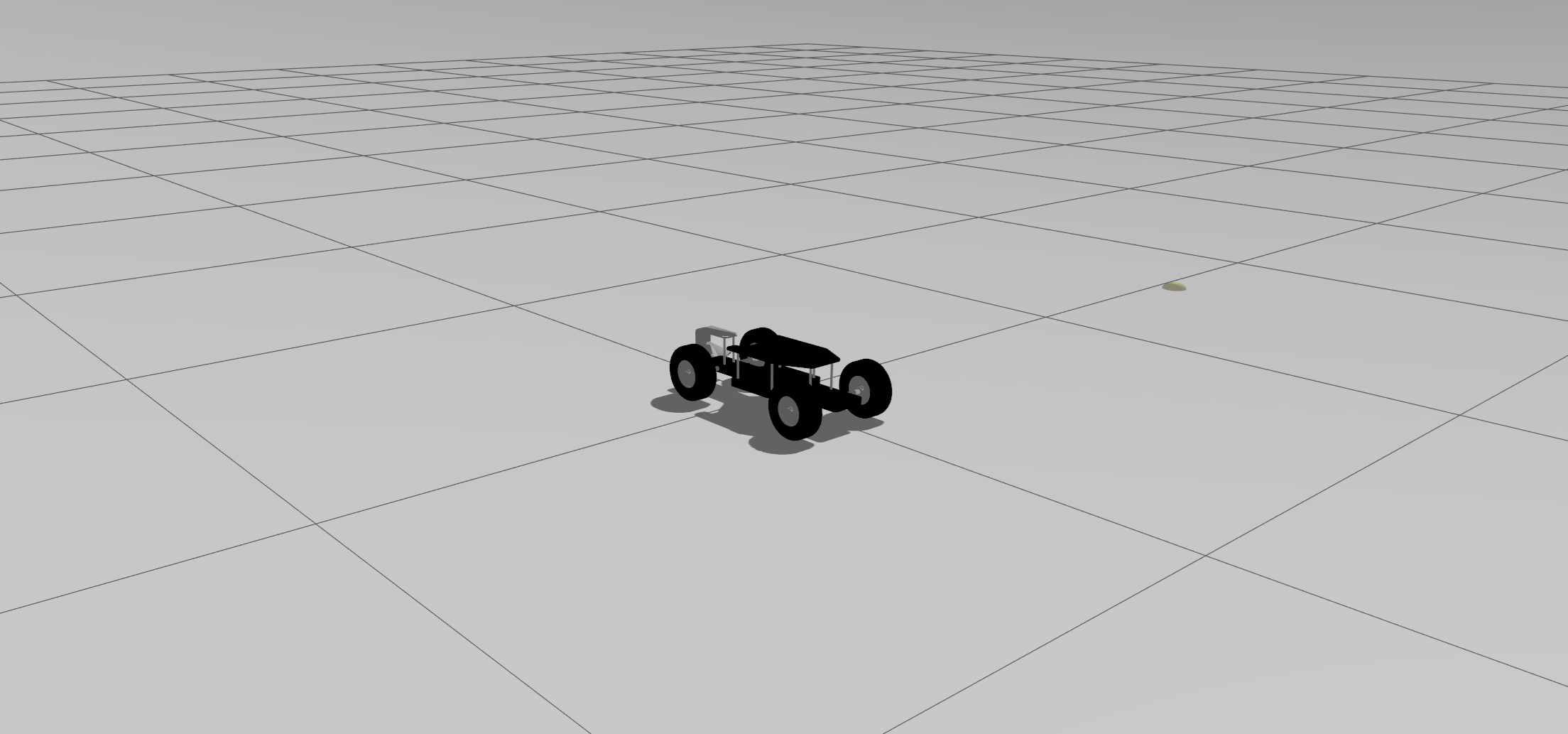
Rover world is optimised for rovers (and will be further optimised for rovers) and is the default world for Ackermann Rover (4012) (make px4_sitl gz_rover_ackermann) and Differential Rover ((r1-rover (4009)) (make px4_sitl gz_r1_rover).
PX4-gazebo-models/main/worlds/rover.sdf
INFO
Rover world is very similar to lawn world, but with these tow main differences:
- Grid on the ground which is useful as a reference while driving.
- Higher update rate which solves segfault issues specifically with rovers with ackermann steering.
Walls
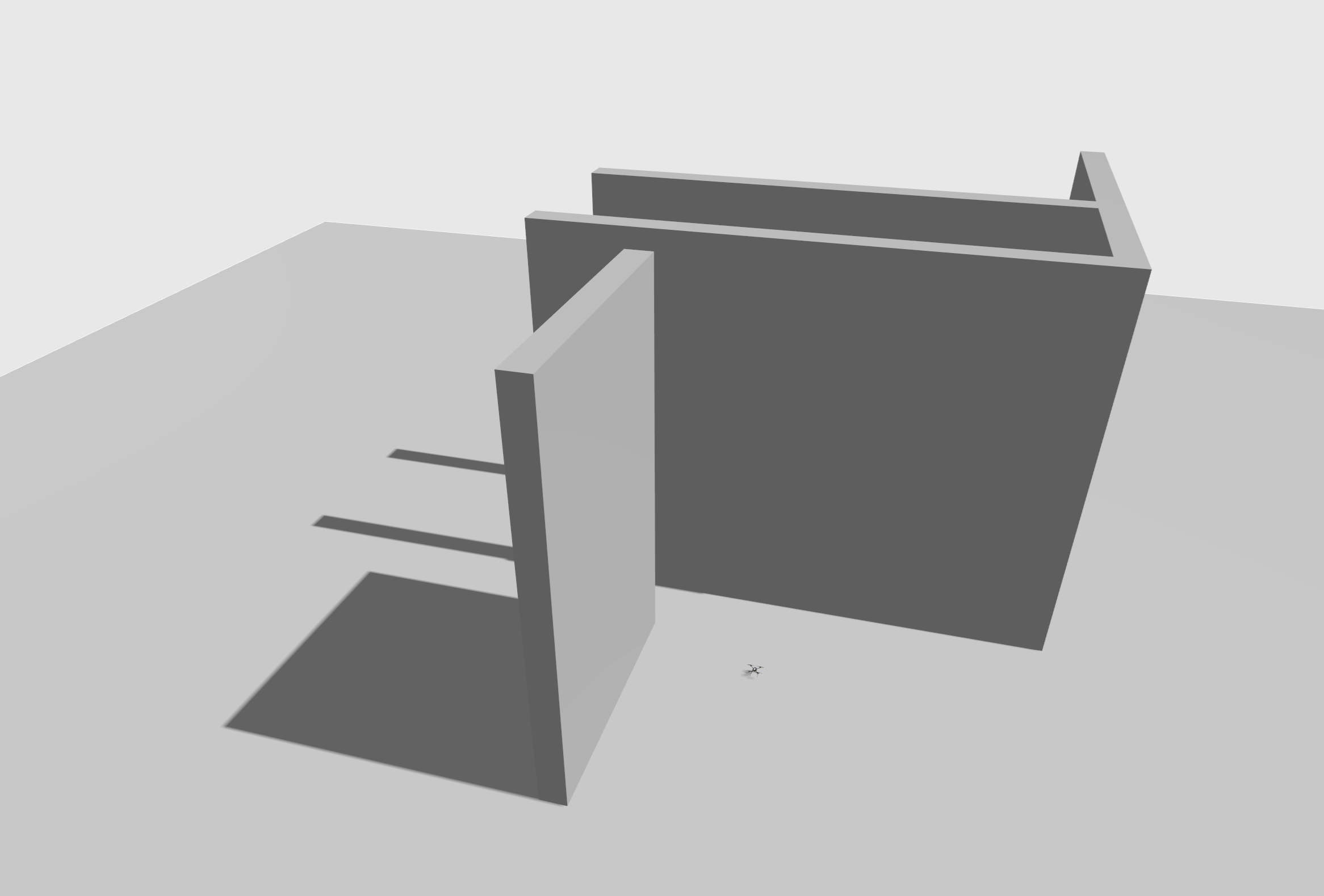
World with walls that is designed for testing collision prevention.
PX4-gazebo-models/main/worlds/walls.sdf
Windy
Empty world with wind enabled.
PX4-gazebo-models/main/worlds/windy.sdf
Moving Platform
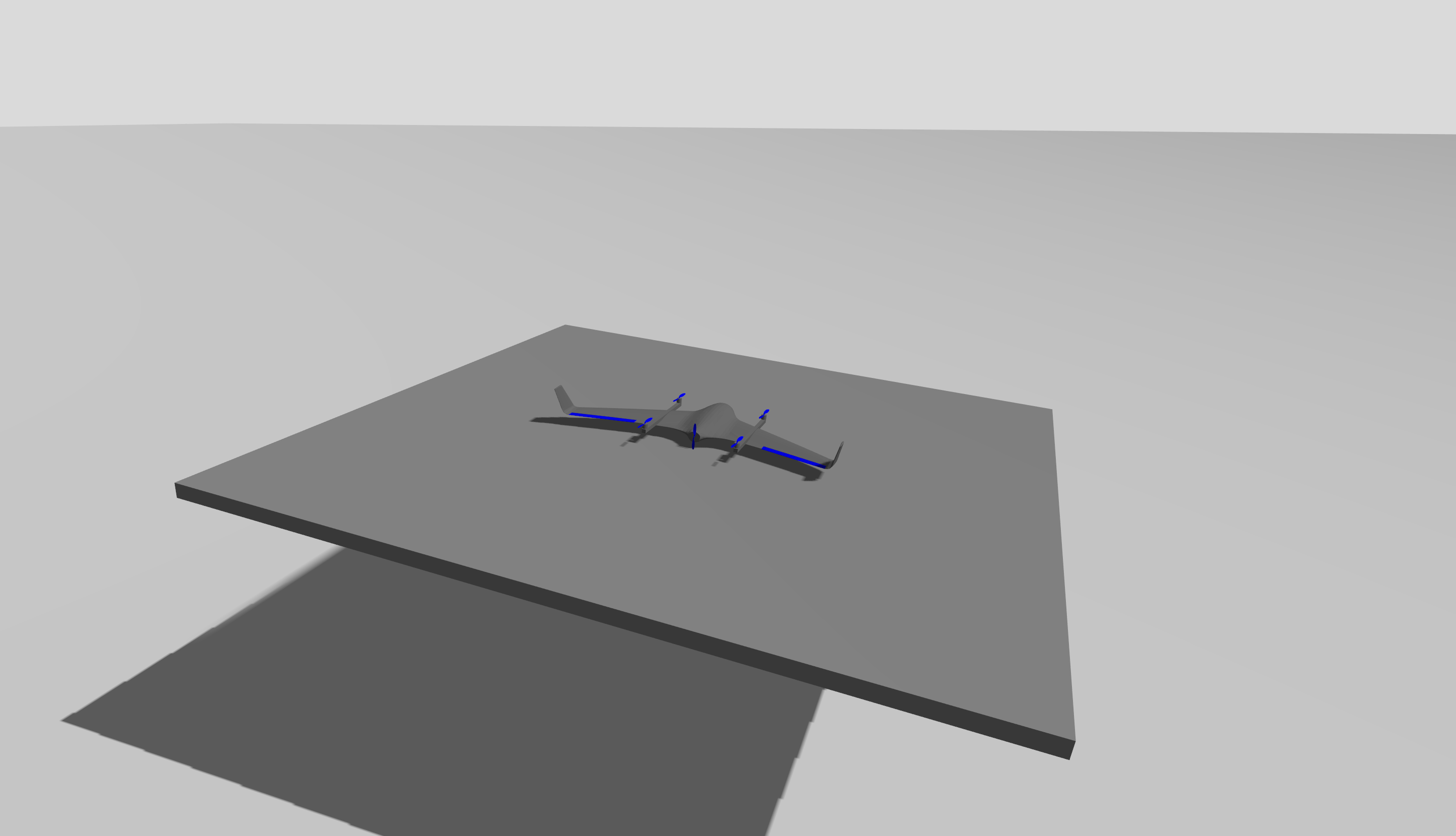
PX4 v1.16Empty world with the addition of a flat moving platform, to simulate drone operations from moving vehicles like ships or trucks. The platform is controlled by a plugin which is included in the world. The platform is at a height of 2m, so place the vehicle on it with:
PX4_GZ_MODEL_POSE=0,0,2.2 PX4_GZ_WORLD=moving_platform make px4_sitl gz_standard_vtolThe plugin can be configured with the following environment variables:
PX4_GZ_PLATFORM_VEL: Platform speed (m/s).PX4_GZ_PLATFORM_HEADING_DEG: Platform heading and direction of velocity (degrees). 0 = east, positive direction is counterclockwise.
PX4-gazebo-models/main/worlds/moving_platform.sdf
TIP
The moving platform plugin can also be used within other worlds. For more information, see the plugin README.
Model-specific Worlds
Some vehicle models rely on the physics / plugins of a specific world. The PX4 toolchain will automatically spawn a world that has the same name as the vehicle model if one exists (instead of the default world):
Світи певних моделей:
- Aruco world: Default world with an ArUco marker that can be used with x500_mono_cam_down for testing precision landing.